
 Equipa Editorial WellPCB
Os quatro principais materiais de substrato PCB são FR4 (fibra de vidro-epóxi, melhor para uso geral a ~$10/sq.ft), MCPCB de alumínio (núcleo metálico, condutividade térmica 8x superior para LEDs/potência), poliimida flexível (dobrável, custo 4-6x para wearables) e Rogers (baixa perda para RF acima de 2GHz, custo 5-10x). Escolha com base nos requisitos térmicos, na frequência de operação e nas necessidades de flexibilidade mecânica.
For more information on industry standards, see printed circuit board and IPC standards.
Como Usar Este Guia
A seleção do material deve partir dos requisitos elétricos, térmicos, mecânicos e de fabrico. Este guia compara as opções mais comuns e os compromissos que devem ser validados com o fabricante antes de fechar o stackup.
Comparação Rápida: Os 4 Materiais Num Relance
Antes de entrar em detalhe, aqui fica a versão resumida:
| Propriedade | FR4 | Alumínio (MCPCB) | Flex (Poliimida) | Rogers |
|---|---|---|---|---|
| **Condutividade térmica** | 0.3 W/mK | 1-4 W/mK | 0.2 W/mK | 0.4-0.8 W/mK |
| **Constante dielétrica (Dk)** | 4.2-4.8 | 4.0-4.5 | 3.2-3.5 | 2.2-10.2 |
| **Frequência máx.** | ~2 GHz | ~1 GHz | ~3 GHz | 77+ GHz |
| **Capacidade de flexão** | Apenas rígido | Apenas rígido | Excelente | Limitada |
| **Número de camadas** | 1-40+ camadas | 1-4 camadas | 1-12 camadas | 2-8 camadas |
| **Custo (relativo)** | 1x (base) | 2-3x | 4-6x | 5-10x |
| **Prazo de entrega** | 3-5 dias | 5-7 dias | 7-10 dias | 10-15 dias |
**Nota técnica**: Se não tem a certeza de que material precisa, provavelmente precisa de FR4. A sério. Serve perfeitamente para 80% das aplicações.
FR4: O Cavalo de Batalha da Indústria
O Que É FR4?
FR4 (Flame Retardant, Grade 4) é um material compósito feito de tecido de fibra de vidro e resina epóxi. Tem sido a espinha dorsal da indústria eletrónica desde a década de 1960, e por bons motivos.
Porque Toda a Gente Usa FR4
Vantagens: - ✅ Extremamente económico (base para todos os preços) - ✅ Amplamente disponível em todo o mundo - ✅ Suporta 1 a 40+ camadas - ✅ Processos de fabrico bem dominados - ✅ Boa resistência mecânica - ✅ Isolamento elétrico adequado
**Em RF e alta velocidade, o erro caro não é perder 2 dias no layout. É aceitar impedância de ±15% quando o orçamento do canal foi desenhado para ±10% ou mais apertado. Geometria e stackup têm de ser projetados em conjunto.**
Desvantagens: - ❌ Fraca condutividade térmica (0.3 W/mK) - ❌ Perda de sinal elevada acima de 1-2 GHz - ❌ O Dk varia com a frequência (tolerância ±10%) - ❌ Maior absorção de humidade
Quando Usar FR4
O FR4 é a escolha por defeito para: - Eletrónica de consumo - Sistemas de controlo industrial - Circuitos analógicos de baixa frequência - Circuitos digitais abaixo de 1 GHz - Protótipos PCB (iteração rápida e económica) - Aplicações de uso geral
Variantes de FR4 Que Vale a Pena Conhecer
| Variante | Tg | Melhor para |
|---|---|---|
| FR4 convencional | 130-140°C | Produtos de consumo |
| FR4 Mid-Tg | 150-160°C | Industrial, automóvel |
| FR4 High-Tg | 170-180°C | Montagem sem chumbo, HDI |
| FR408HR | 180°C | Digital de alta velocidade |
Para os nossos serviços de PCB HDI, recomendamos normalmente FR4 High-Tg como base.
PCB de Alumínio (MCPCB): O Campeão Térmico
O Que É Uma PCB de Alumínio?
Uma Metal Core PCB (MCPCB) usa um substrato de alumínio em vez de FR4 tradicional. A estrutura é simples: camada de circuito em cobre → camada dielétrica → base de alumínio.
A Vantagem Térmica É Real
Eis um número que importa: o alumínio conduz calor 600x melhor do que o FR4.
| Material | Condutividade térmica |
|---|---|
| FR4 convencional | 0.3 W/mK |
| Núcleo de alumínio | 200+ W/mK |
| Camada dielétrica | 1-4 W/mK |
A camada dielétrica é o estrangulamento, mas mesmo assim as PCB de alumínio dissipam calor 3-10x de forma mais eficiente do que FR4.
Quando o Alumínio Faz Sentido
Aplicações ideais: - Iluminação LED (o caso de uso n.º 1) - Eletrónica de potência - Drivers de motor - Iluminação automóvel - Qualquer desenho com componentes que aquecem bastante
Não é adequado para: - Desenhos multicamada (máximo prático de 4 camadas) - Circuitos de alta frequência - Desenhos mixed-signal complexos
Consulte as nossas capacidades de PCB de alumínio para especificações detalhadas.
Análise Real de Custo
**Nota técnica**: Sim, as PCB de alumínio custam 2-3x mais do que FR4 por unidade. Mas há algo que a maioria dos calculadores de custo não inclui: se estiver a desenhar produtos LED, teria de adicionar um dissipador separado ao FR4 na mesma. Uma PCB de alumínio elimina muitas vezes esse custo por completo e ainda simplifica a montagem.
| Abordagem | Custo da PCB | Dissipador | Montagem | Total |
|---|---|---|---|---|
| FR4 + dissipador | $2.00 | $1.50 | $0.80 | $4.30 |
| PCB de alumínio | $4.00 | $0 | $0.30 | $4.30 |
Mesmo custo total, mas a solução em alumínio é mais fiável e tem melhor desempenho térmico.
PCB Flexível (Poliimida): A Solução Que Se Adapta
O Que É Uma PCB Flexível?
As PCB flexíveis usam filme de poliimida (PI) em vez de fibra de vidro rígida. Isto permite que a placa dobre, vinca e se adapte a formas 3D.
Propriedades-Chave da Poliimida
| Propriedade | Valor | Porque importa |
|---|---|---|
| Dk | 3.2-3.5 | Mais baixo do que FR4, melhor integridade de sinal |
| Df | 0.003-0.006 | Perda muito baixa |
| Tg | >250°C | Suporta facilmente soldadura sem chumbo |
| Raio de curvatura | 1-3mm | Permite dobras apertadas |
| Peso | 75% mais leve | Crítico para wearables |
Tipos de Circuitos Flexíveis
- **Flexível de uma face**: Mais simples, menor custo
- **Flexível de duas faces**: Mais opções de roteamento
- **Flexível multicamada**: Até 12 camadas
- **Rígido-flexível**: O melhor dos dois mundos; veja o nosso [serviço de PCB rígido-flexível](/services/flex)
Quando Usar Flexível
As PCB flexíveis destacam-se em: - Wearables e implantes médicos - Mecanismos dobráveis/deslizantes - Módulos de câmara - Aeroespacial (redução de peso) - Automóvel (compartimento do motor) - Qualquer aplicação com restrições de espaço ou movimento
O Custo Real da Flexível
As PCB flexíveis custam 4-6x mais do que FR4 equivalente. Mas considere isto:
Abordagem tradicional com FR4: - 3 PCB separadas - 2 conjuntos de cabos - 4 conectores - Várias etapas de montagem
Abordagem com PCB flexível: - 1 circuito flexível integrado - 0 cabos - 0 conectores - Uma única etapa de montagem
A mudança para flexível pode reduzir peças e operações de montagem, mas o custo total deve ser comparado por projeto.
Rogers: O Rei da Alta Frequência
O Que É Material Rogers?
A Rogers Corporation produz laminados especializados de alta frequência que superam o FR4 em frequências acima de 500 MHz. Estes materiais usam PTFE carregado com cerâmica ou sistemas hidrocarbonetos em vez de epóxi-vidro.
Os Números Que Importam
| Propriedade | FR4 | Rogers RO4003C | Rogers RO4350B |
|---|---|---|---|
| Dk @ 10 GHz | 4.5 (varies) | 3.38 ±0.05 | 3.48 ±0.05 |
| Df @ 10 GHz | 0.020 | 0.0027 | 0.0037 |
| Tolerância Dk | ±10% | ±2% | ±2% |
Essa tolerância Dk é tudo num desenho RF. Uma variação de 10% em FR4 significa que uma pista de 50Ω pode, na prática, ter 45Ω ou 55Ω. Com Rogers, atinge a impedância-alvo de forma consistente.
Comparação de Perda de Sinal
A 10 GHz numa pista de 10cm: - FR4: ~3 dB de perda - Rogers RO4350B: ~0.8 dB de perda
Isto representa quase 4x menos degradação de sinal. Para um módulo radar ou uma antena 5G, esta diferença determina se o produto funciona ou não.
Linhas de Produto Rogers
| Série | Gama Dk | Melhor para |
|---|---|---|
| RO3000 | 3.0-10.2 | Radar automóvel, satélite |
| RO4000 | 2.55-3.66 | RF comercial, antenas |
| RT/Duroid | 2.2-10.2 | Aeroespacial, militar |
Para a maioria dos projetos comerciais, RO4350B é o ponto de equilíbrio: bom desempenho a um preço (relativamente) razoável.
O nosso serviço de PCB RF/alta frequência suporta todos os principais materiais Rogers.
Stackups Híbridos: A Abordagem Inteligente
**Nota técnica**: Um stackup híbrido pode combinar laminado de baixa perda nas camadas que transportam sinais RF com FR4 noutras camadas. O custo e o desempenho devem ser confirmados através do stackup, da modelação e dos critérios de teste do projeto.
| Camada | Material | Função |
|---|---|---|
| L1 | RO4350B | Sinal RF |
| L2 | FR4 | Massa |
| L3 | FR4 | Alimentação |
| L4 | RO4350B | Sinal RF |
É isto que normalmente recomendamos para desenhos 5G e WiFi 6 sensíveis ao custo.
Frente a Frente: Fazer a Escolha Certa
FR4 vs Alumínio
| Escolha FR4 quando... | Escolha alumínio quando... |
|---|---|
| O calor não é uma preocupação | Há LEDs envolvidos |
| Precisa de várias camadas | Uma/duas camadas são suficientes |
| O custo é crítico | A fiabilidade térmica importa |
| É necessário roteamento complexo | O circuito é simples |
FR4 vs Rogers
| Escolha FR4 quando... | Escolha Rogers quando... |
|---|---|
| Frequência < 1 GHz | Frequência > 1 GHz |
| A tolerância Dk não é crítica | O controlo de impedância é crítico |
| O orçamento é limitado | O desempenho é inegociável |
| Grau de consumo | Aplicações RF/micro-ondas |
Flexível vs Tudo o Resto
| Escolha flexível quando... | Fique com rígido quando... |
|---|---|
| É necessária flexão física | A aplicação é estática |
| O espaço é extremamente limitado | Há espaço disponível |
| A redução de peso é crítica | O peso não importa |
| Quer eliminar conectores | Conectores são aceitáveis |
Árvore de Decisão para Seleção de Material
Não sabe por onde começar? Siga isto:
Passo 1: O seu circuito precisa de dobrar ou vincar? - Sim → PCB flexível ou rígido-flexível - Não → Continue
Passo 2: O desenho tem elevada dissipação de calor (>5W concentrados)? - Sim → MCPCB de alumínio - Não → Continue
Passo 3: O circuito opera acima de 1 GHz? - Sim → Rogers ou FR4 de alto desempenho - Não → FR4 convencional
Passo 4: O controlo de impedância é crítico (±5% ou melhor)? - Sim → Rogers ou FR408HR - Não → FR4 convencional
Em caso de dúvida, envie-nos os seus ficheiros de desenho para uma revisão DFM gratuita. Dizemos exatamente que material faz sentido.
Estratégias de Otimização de Custo
1. Não Especifique em Excesso
Não especifique material Rogers apenas por precaução. Em algumas aplicações, FR4 pode satisfazer os requisitos; selecione o material mais simples que cumpra o budget de perdas e a validação necessária.
2. Considere o Custo Total do Sistema
Uma PCB de $2 que precisa de $5 em dissipadores e peças mecânicas adicionais não é mais barata do que uma PCB de alumínio de $4 que elimina tudo isso.
3. Faça Protótipos de Forma Inteligente
Prototipe com FR4 primeiro para validar o desenho e depois mude para materiais especializados em produção, se necessário. Não faça o protótipo em Rogers: o prazo de entrega e o custo vão atrasar o ciclo de desenvolvimento.
4. O Volume Importa
| Material | 10 pcs | 100 pcs | 1000 pcs |
|---|---|---|---|
| FR4 | $8/ea | $2/ea | $0.50/ea |
| Alumínio | $15/ea | $5/ea | $1.50/ea |
| Rogers | $50/ea | $20/ea | $8/ea |
*Preço aproximado para 100x100mm, 2 camadas*
Em volume, até Rogers se torna razoavelmente acessível.
**Blindagem eficaz não é apenas adicionar malha. Para reduzir EMI de forma consistente, é necessário assegurar terminação a 360 graus, caminhos de retorno controlados e espaçamento estável entre agressor e vítima ao longo de todo o conjunto.**
FAQ
Posso misturar materiais numa só PCB?
Sim. Os stackups híbridos são comuns. Pode combinar camadas exteriores Rogers com camadas interiores FR4, ou integrar secções flexíveis em placas rígidas (rígido-flexível).
Qual é a encomenda mínima para materiais especiais?
Na PCB Portugal: - FR4: Sem MOQ (mesmo 1pc) - Alumínio: Sem MOQ - Flexível: mínimo de 5 pcs - Rogers: mínimo de 5 pcs
Como especifico materiais nos meus ficheiros Gerber?
Inclua um README ou notas de fabrico que especifiquem: - Tipo de material (por exemplo, "Rogers RO4350B") - Espessura dielétrica - Peso do cobre - Quaisquer requisitos especiais
Que material tem melhor prazo de armazenamento?
Todos os materiais convencionais têm prazo de armazenamento de 6-12 meses quando guardados corretamente. As PCB flexíveis podem ser mais sensíveis à humidade; guarde-as em sacos selados com dessecante.
Conclusão: As Minhas Recomendações Sinceras
Em resumo:
Comece por FR4, a menos que tenha uma razão específica para não o fazer. É comprovado, acessível e serve para a maioria das aplicações.
Use alumínio quando a gestão térmica é uma preocupação principal, especialmente em produtos LED. O custo ligeiramente superior normalmente compensa pela fiabilidade.
Considere flexível quando as restrições físicas ou a eliminação de conectores justificam o investimento. O prémio de custo é significativo, mas a liberdade de desenho é incomparável.
Reserve Rogers para aplicações reais de alta frequência onde o FR4 falha de forma mensurável face às especificações. Não o use "só porque sim"; o orçamento agradece.
Tem dúvidas sobre a seleção de material para o seu projeto específico? Contacte a nossa equipa de engenharia ou use o calculador de orçamento para preparar os dados do pedido.
Leituras Relacionadas
Se esta comparação de materiais foi útil, talvez queira consultar também estes guias relacionados:
- **HDI vs PCB Multicamada Convencional** - Depois de escolher o material, perceba quando a tecnologia HDI faz sentido para o seu stackup de camadas
- **[Métodos de Teste PCB Comparados](/blog/pcb-testing-methods-comparison)** - Saiba como diferentes materiais afetam a sua estratégia de teste (especialmente X-ray para vias térmicas em alumínio)
- **Montagem Turnkey vs Consignment** - A disponibilidade de materiais pode influenciar a escolha do modelo de montagem
Referências
- [IPC-4101](https://en.wikipedia.org/wiki/IPC_%28electronics%29) - Especificação para materiais de base
- [Recursos técnicos da Rogers Corporation](https://www.rogerscorp.com/advanced-electronics-solutions)
- [Materiais flexíveis DuPont Pyralux](https://www.dupont.com/electronic-materials.html)
*Equipa técnica WellPCB / PCB Portugal.*

Equipa Técnica (canal PCB Portugal)
Conteúdo técnico produzido e revisto pela equipa técnica da WellPCB para o canal PCB Portugal, com base em práticas de fabrico de PCB, montagem PCBA e cablagens.
Ver todos os artigos deste autor →Precisa de Ajuda com o Seu Projeto?
A nossa equipa está pronta para ajudar. Obtenha uma cotação gratuita após análise dos ficheiros.
Artigos Relacionados
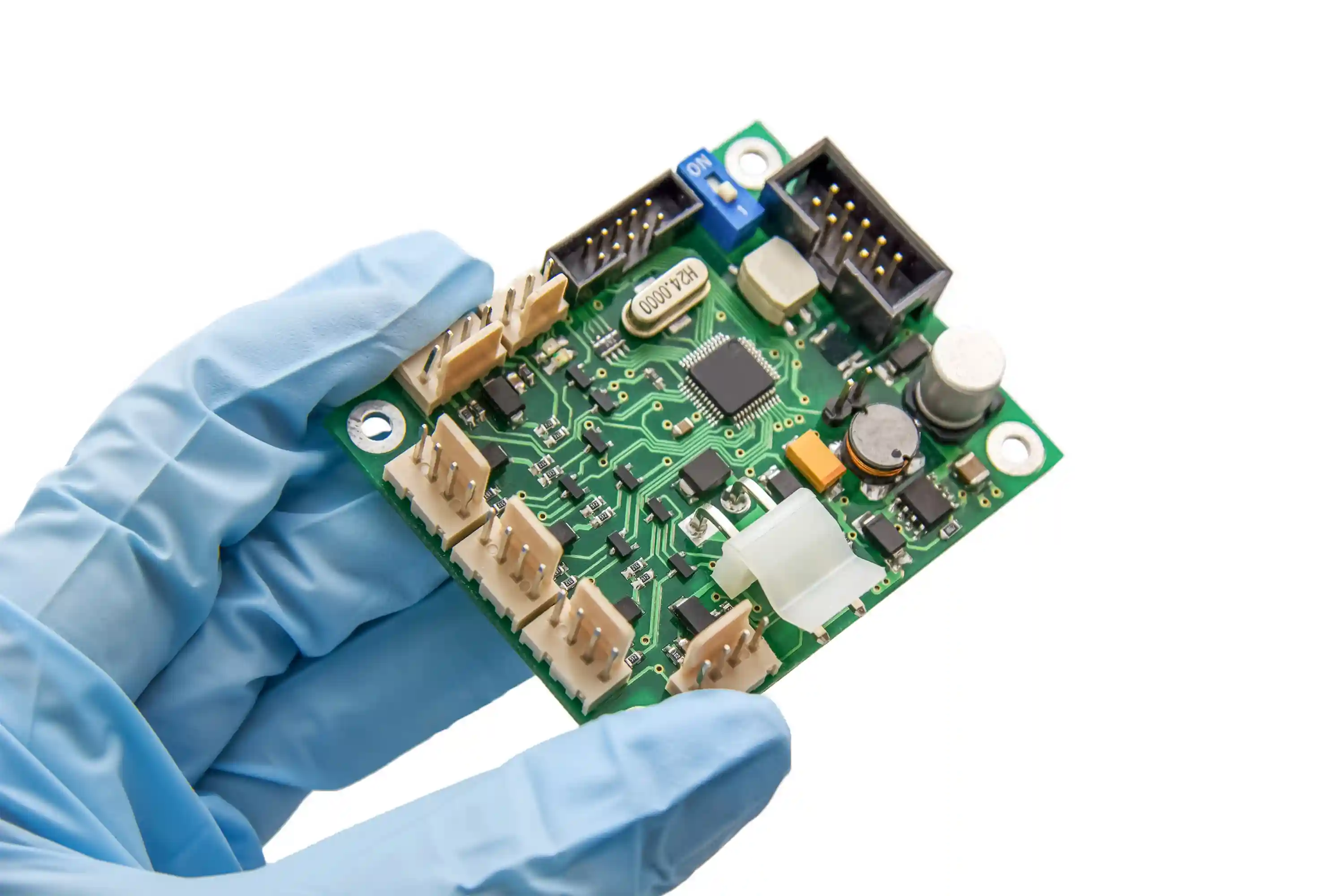
J-STD-001 vs IPC-A-610: Guia Prático para Aceitação, Processo e Qualidade em PCBA [2026]
Entenda a diferença real entre J-STD-001 e IPC-A-610: quem define o processo, quem define a aceitabilidade, quando aplicar cada norma em SMT, THT, Classe 2 e Classe 3, e como evitar conflitos entre engenharia, qualidade e fornecedor.
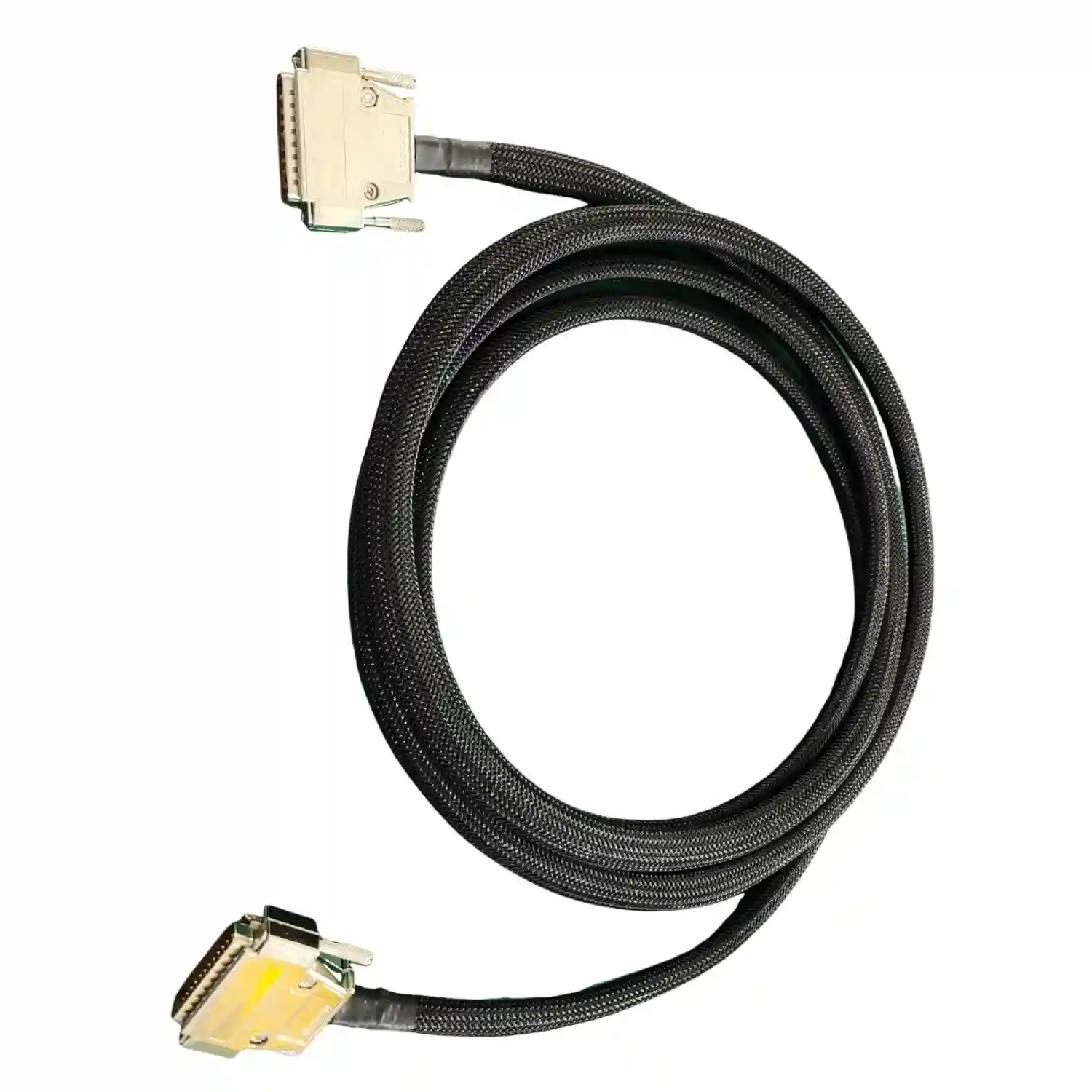
Tabela de Perda em Cabo Coaxial: Guia por Frequência e Tipo de Cabo [2026]
Compare a perda em cabos coaxiais por frequência e tipo de cabo. Veja uma tabela prática com RG-58, RG-174, RG-6, RG-213, LMR-100, LMR-195, LMR-240 e LMR-400, mais critérios de seleção para RF, telecom e montagem de cabos.
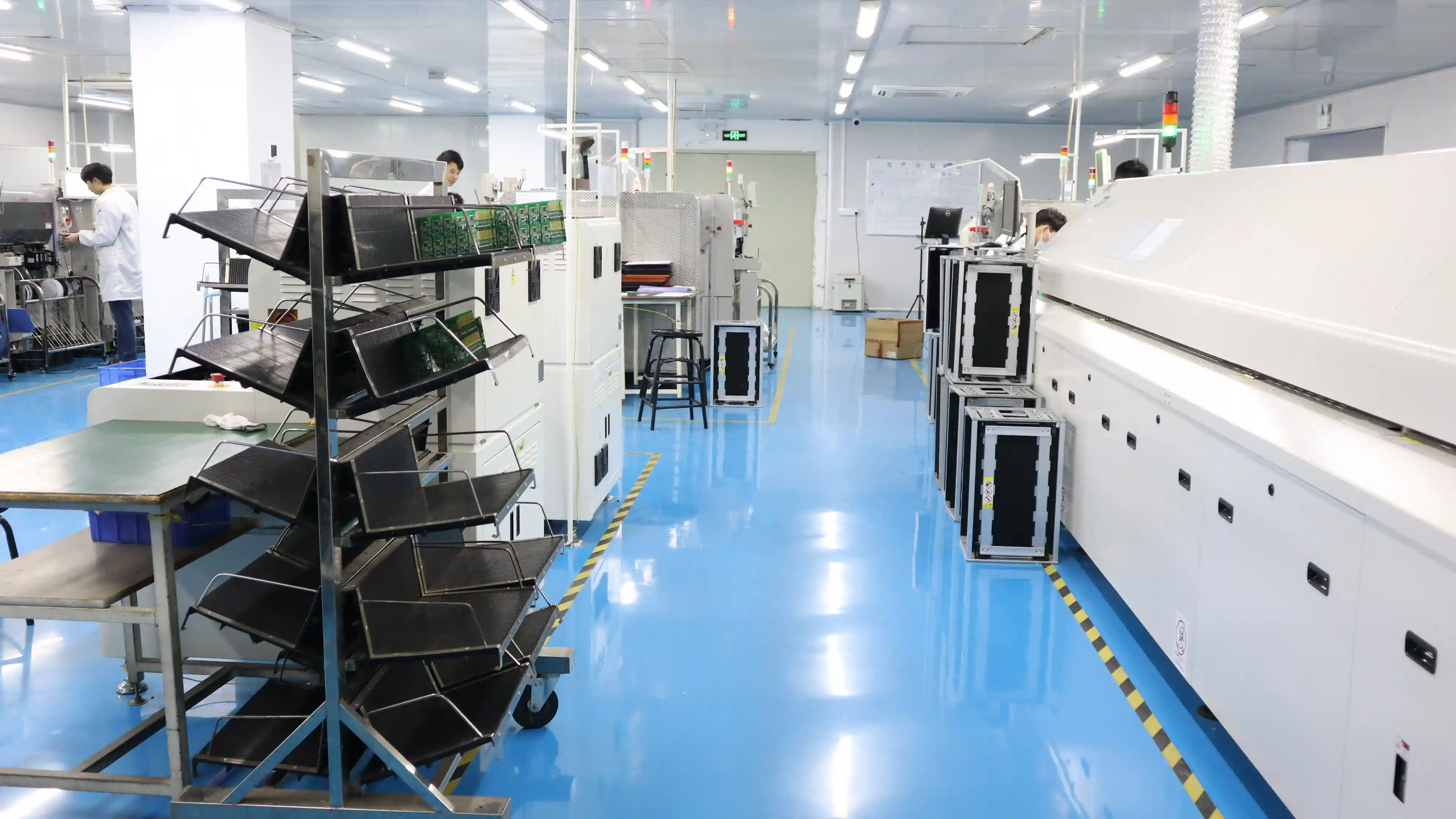
SMT vs THT: Qual a Tecnologia de Montagem PCB Certa para o Seu Projeto? [Guia Comparativo 2026]
Comparação técnica completa entre SMT (Surface Mount Technology) e THT (Through-Hole Technology): custos de montagem, velocidade de produção, resistência mecânica, densidade de componentes, aplicações por indústria, e quando usar montagem mista. Com dados de custo reais e matriz de decisão.